Beginner Mistakes We All Make and How to Avoid Them
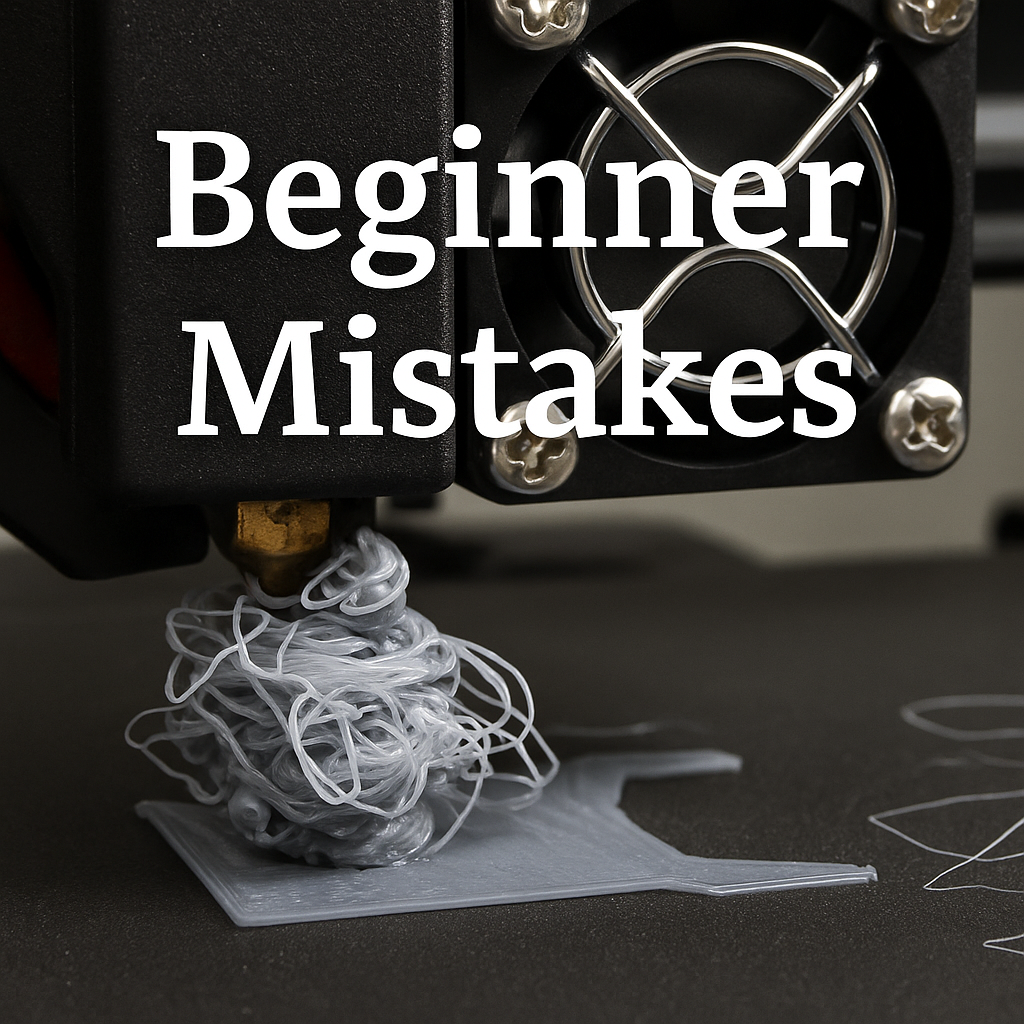
very maker has been there. You start your first few prints, things look promising, and then suddenly the nozzle drags across the bed, the filament blobs into a nest, or the print pops off halfway through layer twelve. These moments are normal. Every single 3D printer owner has experienced them, and they are simply part of learning the craft.
The good news is that most beginner mistakes are predictable and easy to fix once you know what to look for. Here are the most common early pitfalls and how to avoid them so you can spend less time troubleshooting and more time printing.
1. Printing Too Fast Too Soon
Modern printers advertise impressive speeds, but beginners should start slow. High speeds make everything harder:
• weaker adhesion
• missed details
• ringing
• more wobble
• more spaghetti failures
Start at the default speeds in your slicer. Once you are consistently getting clean prints, you can experiment with going faster.
2. Ignoring the First Layer
Your first layer is the foundation of your entire print. If the first layer fails, the whole print follows.
Common signs of trouble include:
• lines too thin
• lines too thick
• gaps
• curling corners
• uneven squish
A clean first layer looks smooth and slightly flattened. Sit with your printer for the first few minutes of every new print until you get the hang of it.
3. Not Leveling the Bed or Running a Mesh
Even printers with auto leveling still need occasional calibration. If the nozzle is too high, nothing sticks. If it is too low, the nozzle scrapes the plate.
Run a quick leveling or mesh check any time you:
• move the printer
• change the plate
• switch nozzles
• notice first layer inconsistencies
It takes less than a minute and prevents hours of wasted time.
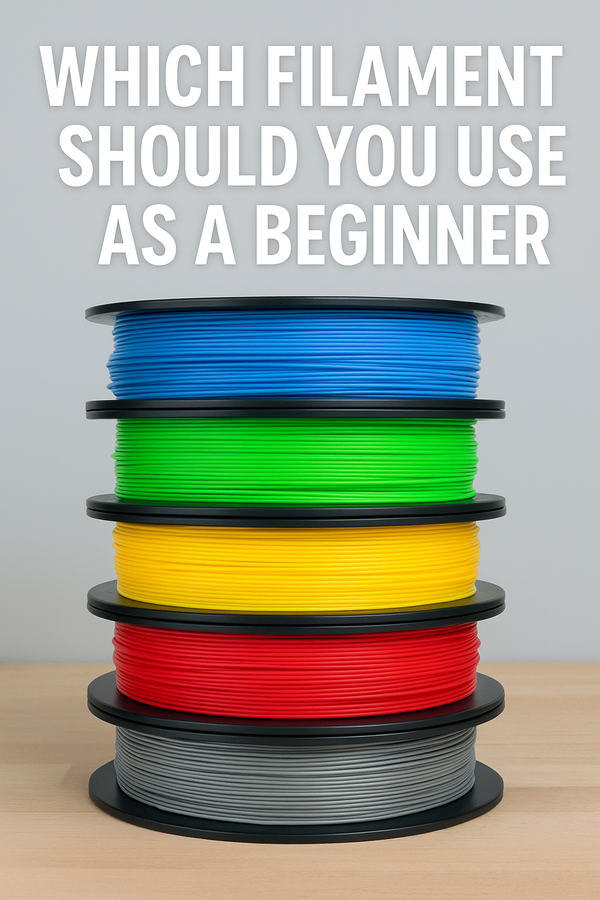
4. Using Wet or Low Quality Filament
Moisture changes the way filament melts. Wet filament causes:
• popping sounds
• weak layers
• fuzzy surfaces
• brittle prints
• inconsistent extrusion
Store filament in an airtight bin with silica packs. If a spool prints poorly, try drying it or switching to a better brand.
5. Printing Huge Models First
Large prints are exciting, but they are not beginner friendly. They take longer, use more filament, and magnify every small problem.
Start with simple objects like:
• clips
• bookmarks
• test cubes
• keychains
• simple figures
• desk organizers
These help you learn retraction, adhesion, and cleanup without big risk.
6. Forgetting to Clean the Build Plate
A dirty build surface prevents adhesion. Oils, dust, and fingerprints all cause corners to lift or entire prints to detach.
Use a simple method:
• wipe with isopropyl alcohol
• let it dry fully
• avoid touching the surface afterward
A clean plate equals a clean first layer.
7. Changing Too Many Settings at Once
When a print fails, it is tempting to adjust everything. This leads to confusion because you cannot tell what actually fixed or worsened the issue.
Change only one thing at a time such as:
• bed temperature
• nozzle temperature
• print speed
• retraction settings
• fan speed
If something works, you will know exactly why.
8. Not Watching the First Five Minutes
Nearly all failures begin at the start. Once you learn how a good first layer looks and sounds, you will catch issues instantly.
Watch for:
• smooth extrusion
• even lines
• consistent motion
• no scraping
• no clumping
If something looks wrong early, cancel the print and adjust. It saves time and filament.
9. Using Supports When They Are Not Needed
Supports are useful, but new users often use too many. Extra supports cause:
• longer print times
• rougher surfaces
• more cleanup
Before enabling supports, tilt or rotate the model in your slicer. Many prints can succeed with better orientation alone.
10. Expecting Perfection Right Away
Even the best makers produce failed prints. Your first dozen models will have small imperfections, and that is normal. Each one teaches you something new.
If a print finishes, take the win. If it fails, take a pause, breathe, and try again with one small adjustment. Progress in 3D printing is steady and rewarding.
Final Thoughts
Beginner mistakes are not failures. They are simply lessons. Every maker learns through trial, error, and small tweaks along the way. With practice you will recognize issues instantly and fix them just as fast.
You are not alone in this. Every maker in the world has been where you are right now, and each step forward brings you closer to creating amazing prints with confidence.
About NerdMatter3D
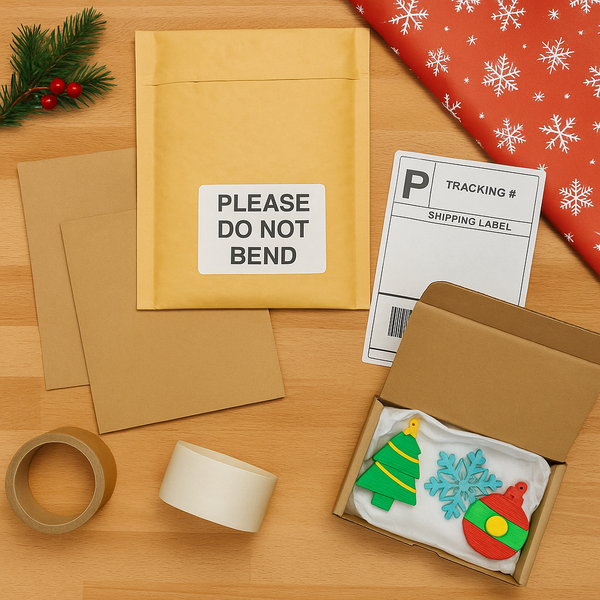
NerdMatter3D is a family run 3D printing studio based in Tampa, Florida. We design, print, and package everything in house using a mix of creativity, color, and a whole lot of PLA. What started as a small hobby grew into a full print farm powered by late nights, bright filament, and plenty of nerdy energy. Every item we ship is made with care, inspected by hand, and created on the same machines new makers are using today. We love helping beginners, supporting the maker community, and bringing fun ideas to life one layer at a time.
You can find all of our links, socials, and collections here:
👉 https://linktr.ee/NerdMatter3D