Behind the Scenes: How We Run a Multi-Printer 3D Print Farm

Behind the Scenes: How We Run a Multi-Printer 3D Print Farm
Running a 3D print farm is part art, part science, and part controlled chaos. At NerdMatter3D, we manage multiple printers across different brands, materials, and workflows to keep up with daily Etsy orders, seasonal launches, and new design experiments.
Whether you're a maker dreaming of scaling up or simply curious how a modern print farm works, here is a detailed look behind the curtain at how we operate ours.
What Is a Print Farm?
A print farm is a coordinated collection of 3D printers running at the same time, sharing:
• a common slicing workflow
• organized print queues
• material storage and management
• maintenance routines
• quality control standards
• a dedicated workspace
Instead of relying on one machine, a farm spreads work across many printers to increase speed, reliability, and overall output.
Our Current NerdMatter3D Print Farm Setup
Our farm is built to balance speed, multi-color production, prototyping, and material versatility. Every machine has a defined purpose.
Bambu Lab Printers
These are the backbone of the NerdMatter3D print farm. They handle most of our production, and each serves a unique role.
2× Bambu Lab P1S (Primary Multicolor Workhorses)
These are our main AMS multi-color printers.
• enclosed chamber ideal for ABS and temp-sensitive materials
• fastest and most reliable for large multicolor jobs
• used for business cards, character ornaments, layered bookmarks
• handles long, complex prints without environmental issues
• our highest-output machines overall
If a product involves detailed multi-color graphics, chances are it was printed on a P1S.
3× Bambu Lab A1 (Secondary Multicolor Production)
Our A1 units support the P1S machines and help spread out multi-color workloads.
• great for shorter multi-color prints
• ideal for ornaments, bookmarks, flat designs, and small items
• excellent speed for PLA
• perfect for batching seasonal or trending products
These are extremely efficient and allow us to run multiple AMS jobs at once.
2× Bambu Lab A1 Mini (Rapid Prototyping + Short Runs)
Small but mighty, the A1 Minis are dedicated to:
• testing new design ideas
• running one-off custom orders
• printing small accessories
• quick color tests
• short jobs that don’t tie up larger printers
They help keep the rest of the farm free for heavy production.
FlashForge Printers
FlashForge machines still play an important supporting role in the farm.
2× Standard FlashForge Units
• dedicated to PLA, PETG, and functional parts
• slower, but extremely reliable
• great for sturdy pieces and utilitarian prints
1× FlashForge Multicolor Printer
• alternate multi-color setup
• perfect for projects that require unique slicer workflows
• useful for designs that behave differently on Bambu machines
FlashForge units are our workhorses for specific materials and legacy projects.
How We Schedule and Manage Jobs
An efficient print farm is all about job flow.
1. Batch Production
Grouping similar items improves speed and consistency. We batch prints like:
• bookmarks
• multi-color smart business cards
• dice towers
• ornaments
• branded items
• seasonal collections
This reduces slicer switching, color swaps, and setup time.
2. Overnight High-Duration Jobs
Long prints or multi-part jobs — dice towers, large character models, big scenery pieces — run overnight.
Morning resets keep productivity high.
3. Daytime Rapid Cycles
Short prints such as business cards, keychains, magnets, or minis run throughout the day so we can continuously clear and reset printers.
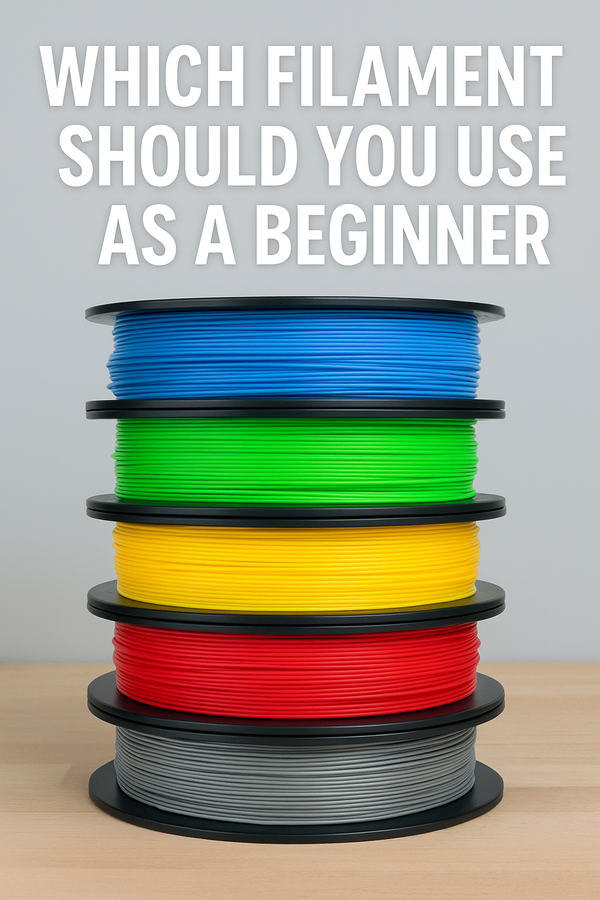
Filament Storage and Color Management
With multi-color printing, color consistency matters.
We maintain:
• open PLA bins for daily-use spools
• sealed dry boxes for PETG and TPU
• a color wall sorted by hue
• labeled spools for batch consistency
• tracked filament usage for inventory planning
This ensures repeatable color accuracy across customers and months.
Quality Control for Every Print
We inspect every print before it’s packaged. Our QC process includes:
Visual Review
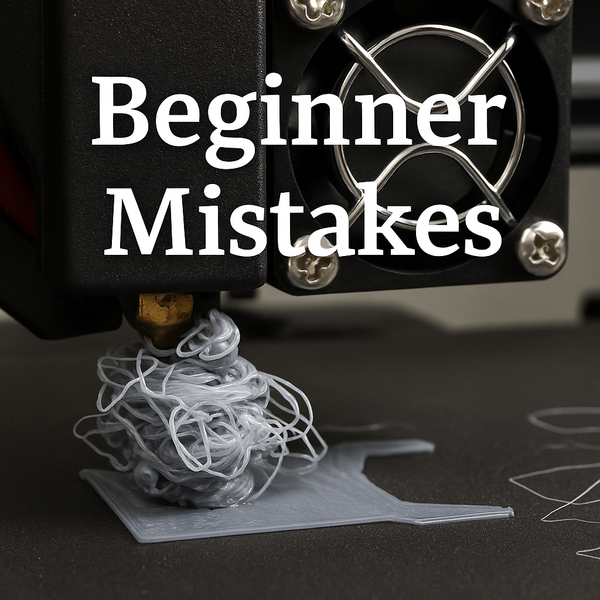
Checking for stringing, surface flaws, gaps, blobs, or layer issues.
Fit and Function Tests
Ensuring sliding parts, lids, or inserts fit properly.
Color Alignment Check
For AMS prints, verifying sharp, clean separation with no bleed.
Cleaning + Prep
Removing stringing, trimming artifacts, and giving the print a polished finish.
Monitoring and Maintenance
Keeping many machines running is an ongoing job.
We perform:
• weekly nozzle checks
• hotend inspections
• lubrication routines
• AMS feeder cleaning
• belt tension checks
• firmware consistency checks
• camera monitoring for long prints
This prevents downtime and ensures reliability across the entire farm.
How We Handle Failures
Failures happen, even in a tuned farm. We treat them as data rather than setbacks.
We track:
• slicer changes that may affect quality
• filament batch differences
• model geometry quirks
• environmental shifts like heat or humidity
• printer-specific behavior patterns
Over time, these notes help reduce failures and increase efficiency.
Why a Print Farm Works for NerdMatter3D
A multi-machine setup allows us to:
• keep Etsy orders moving consistently
• maintain high quality across every item
• experiment with new designs any time
• handle seasonal volume spikes
• separate prototyping from production
• run multicolor and single-color jobs simultaneously
It transforms our studio from a hobby setup into a flexible, creative, production-ready maker space.
Final Thoughts
A print farm isn’t about having a lot of printers.
It’s about designing a workflow where every machine, every material, and every print has a purpose.
At NerdMatter3D, our farm lets us bring fun, colorful, nerdy designs to life every single day — with consistency and creativity at the core.
Want to See What Our Print Farm Produces?
Every item in our shop is designed and printed right here using the workflow described in this post.
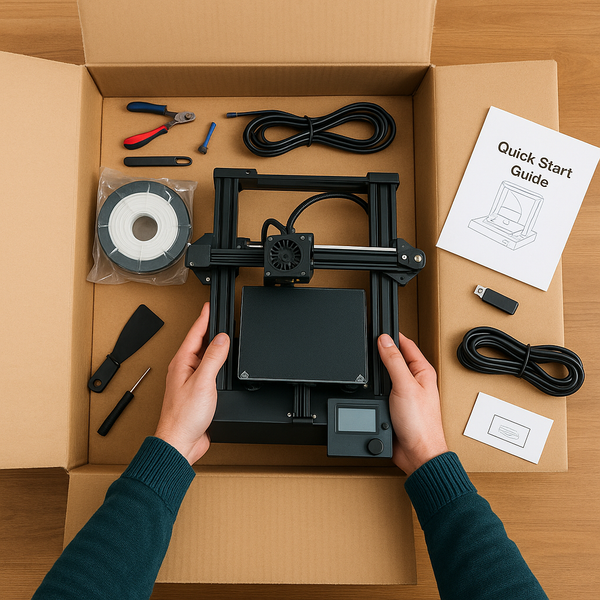
Ready to start your own 3d Printing adventure? Grab a setup just like ours @

Thanks for supporting small makers and NerdMatter3D.