How to Program the NFC Tag in Your NerdMatter3D Smart Business Card
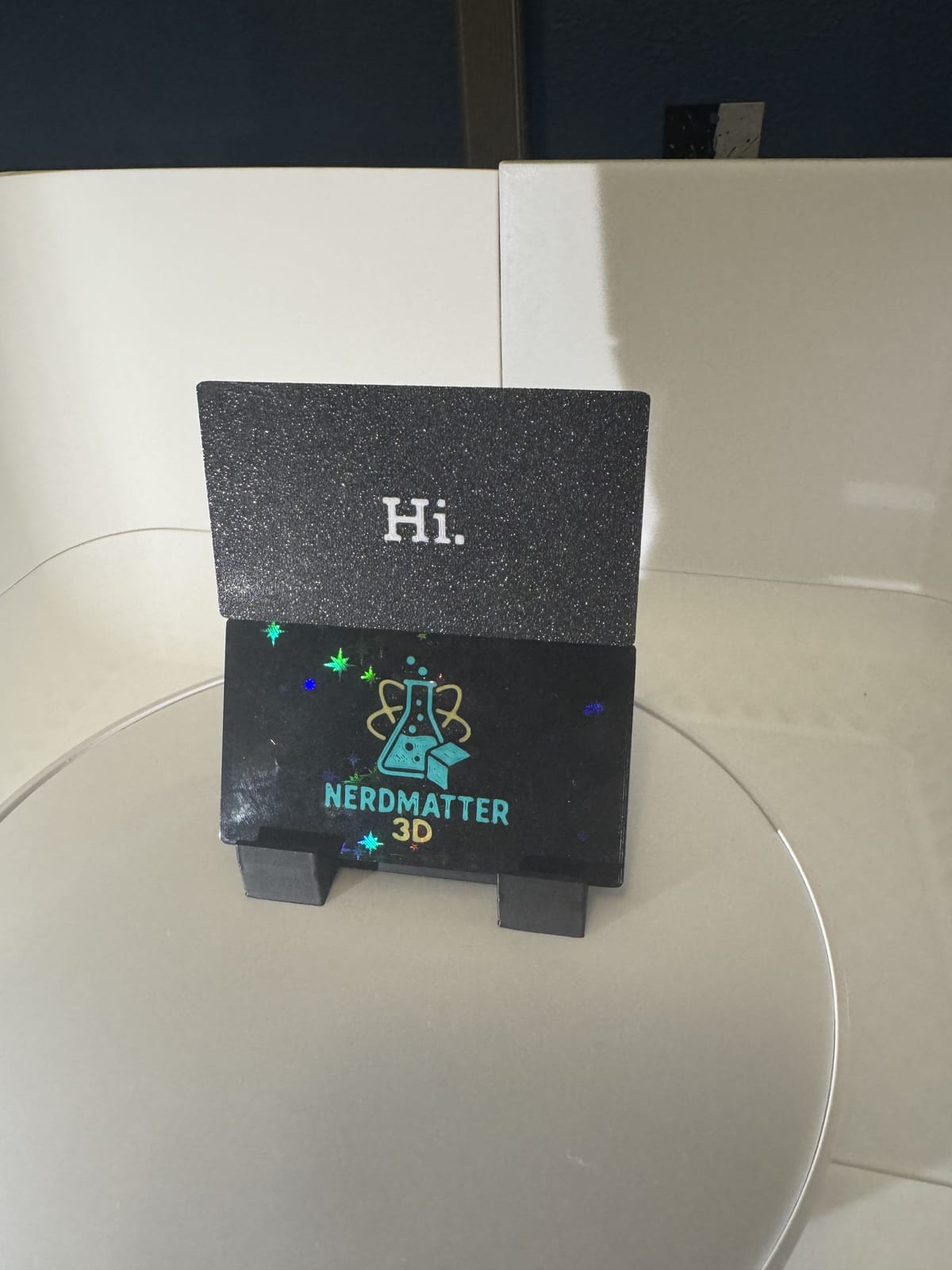
Welcome to your new NFC business card, custom-made by NerdMatter3D.
Whether you ordered one of our minimalist personal cards or a custom branded business card for your company or team, the setup process is quick, simple, and completely customizable.
Every card includes a rewritable NFC (Near Field Communication) chip that lets you instantly share your most important link with a single tap of a smartphone.
This guide walks you through how to set up your card in under a minute.
What Your NFC Card Can Do
Your NFC card can be programmed to open any link you choose, including:
- Linktree or AllMyLinks
- Instagram, TikTok, YouTube
- Etsy storefront
- Personal website or business homepage
- Online portfolio or resume
- Digital business card page
- Menu or booking system
- vCard/contact file
- Payment links
- Any URL you want to share
You’re free to rewrite the NFC tag whenever you want. Tags are not locked unless you choose to lock them yourself.
Phone Compatibility
Most modern smartphones support NFC tag scanning. Here’s how current devices work:
Supported for instant tap-to-open:
- iPhone XR, XS, XS Max
- iPhone 11, 12, 13, 14, 15 series
- Most Samsung Galaxy phones (S9+ and newer)
- Google Pixel 2 and newer
- Most modern Androids with NFC enabled
Supported with app required (NFC Tools needed):
- iPhone 7 / 7 Plus
- iPhone 8 / 8 Plus
- iPhone X
Not compatible with NFC tag reading:
- iPhone 6
- iPhone 6 Plus
- iPhone 6s
- iPhone 6s Plus
- iPhone SE 1st generation
- Some budget Android models without NFC hardware
How to Program Your NFC Business Card
This process applies to all of our NFC cards, whether personal or company-branded.
You’ll need a free app called NFC Tools, available on both iPhone and Android.
Programming on iPhone
- Download NFC Tools from the App Store
- Open the app
- Tap Write
- Tap Add a record
- Choose URL
- Enter the link you want the card to open
- Tap OK
- Tap Write
- Hold the top edge of your iPhone to the card
Once the app confirms the write, your card is ready.
Programming on Android
- Download NFC Tools from Google Play
- Open the app
- Tap Write
- Tap Add a record
- Choose URL
- Enter your link
- Tap OK
- Tap Write
- Hold the back of your phone to the card
Android usually writes almost instantly.
Changing Your Link Later
Yes, you can update your card anytime.
Your NFC chip is fully rewritable, so you can change your link as often as you like using the same steps above.
Are NFC Tags Locked?
No, we do not lock any NFC tags by default.
Unlocked tags allow you to:
- update your link later
- change your business info
- reuse the card for a new job or new project
- temporarily redirect links
- switch between personal and business links
Locking a tag in the app is permanent, so we recommend leaving it unlocked unless you have a specific reason.
Troubleshooting and Tips
If the card isn’t reading:
- Tap the top edge of the iPhone
- Tap the back center of most Android phones
- Make sure NFC is turned on (Android)
If it only works inside the app:
- The device is likely an older iPhone model (7, 8, or X) that requires app-based reading
If the card won’t store a file:
- NFC tags hold very small amounts of data
- Always store a URL rather than a file
If multiple people share one card:
- Yes, this works fine
- Many teams use branded cards with individual or shared links
You’re Ready to Use Your NFC Card
Whether you're using a minimalist personal card or a fully branded company card, your NFC business card is now ready to share your digital identity with a tap.
If you want a pre-programmed card, a custom link, or a fully branded batch for your business or event, we’re happy to help.
About NerdMatter3D
NerdMatter3D is a family run 3D printing studio based in Tampa, Florida. We design, print, and package everything in house using a mix of creativity, color, and a whole lot of PLA. What started as a small hobby grew into a full print farm powered by late nights, bright filament, and plenty of nerdy energy. Every item we ship is made with care, inspected by hand, and created on the same machines new makers are using today. We love helping beginners, supporting the maker community, and bringing fun ideas to life one layer at a time.
https://linktr.ee/nerdmatter3d