So You Got a 3D Printer for Christmas. Here Is What You Should Do First
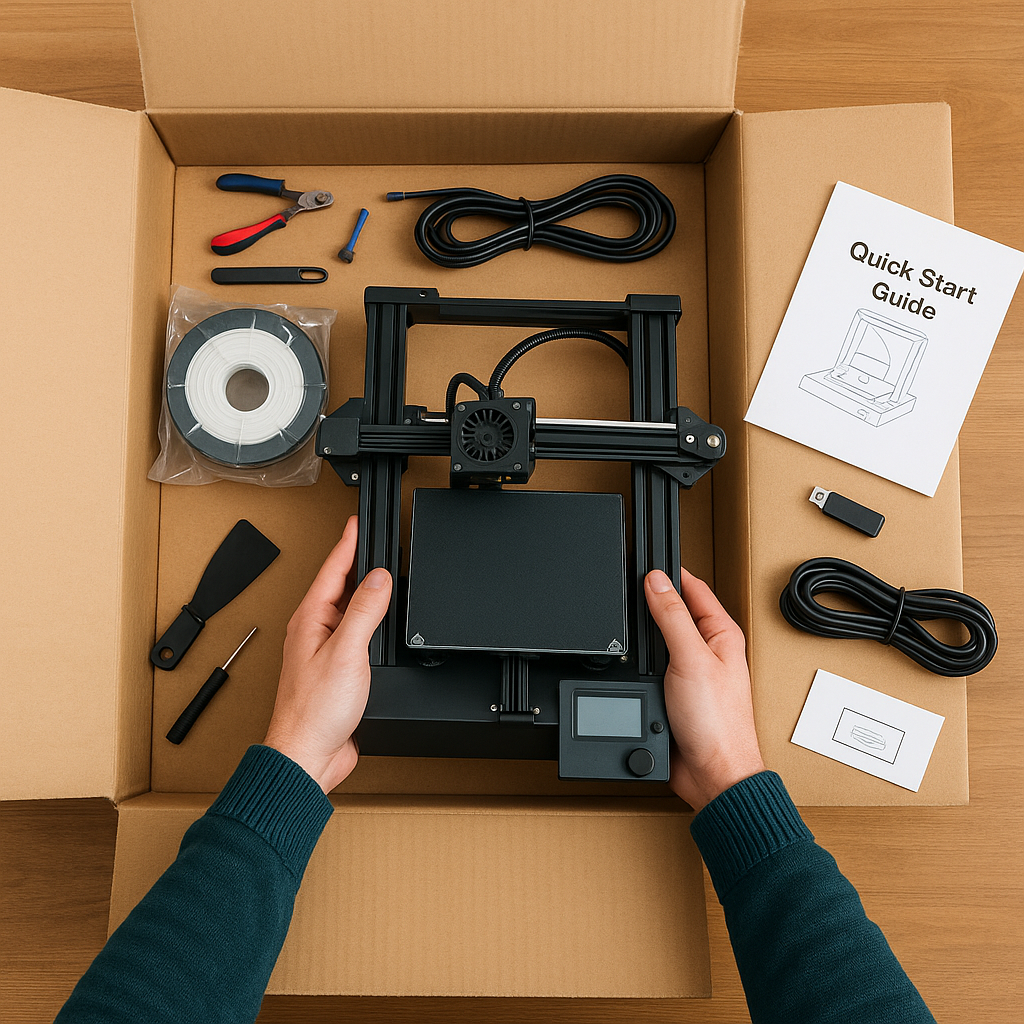
If you unwrapped a shiny new 3D printer this holiday season, welcome to one of the most exciting hobbies in the world. You are about to join a community of makers, tinkerers, artists, and problem solvers who turn ideas into real objects every day.
Before you jump into giant dragons, cosplay props, or multicolor masterpieces, there are a few simple steps that will make your first week smooth, successful, and fun. Think of this as your friendly quick-start guide from your local 3D printing nerds at NerdMatter3D.
Let’s get started.
1. Unbox Everything and Make Sure All Parts Are There
Most printers come with:
• the main printer
• a spool holder
• a sample spool of filament
• an instruction booklet
• tools
• a USB stick or SD card
• a scraper and side cutters
• a power cable
Take a moment to lay everything out so you know what you are working with. Make sure the build plate moves smoothly and that no parts are loose from shipping.
2. Update the Firmware Before You Print Anything
The first thing you should always do is update your printer’s firmware. New updates fix:
• bugs
• printing issues
• stability problems
• Wi Fi features
• calibration routines
Nearly every modern printer has a “check for updates” button in the main menu or mobile app. Doing this first prevents future headaches.
3. Level the Bed or Run the Auto Calibration
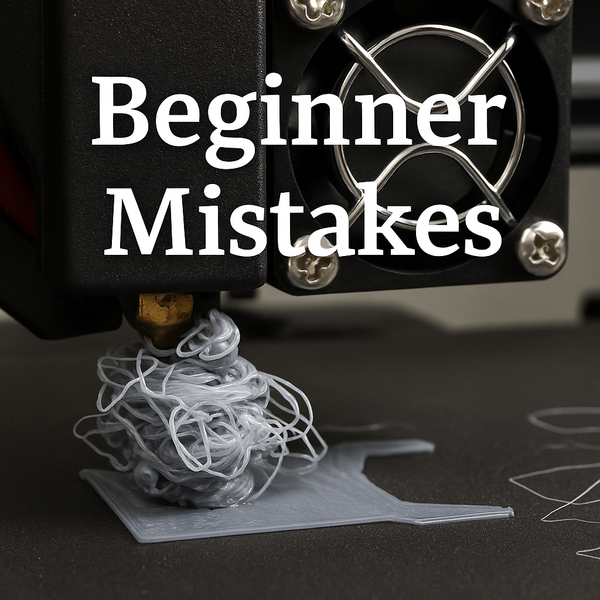
A level bed is the difference between a perfect first layer and a spaghetti mess. Depending on your printer you will either:
• use a manual leveling routine
• run an automatic mesh calibration
• adjust knobs while following on screen steps
Take your time here. A good first layer solves most beginner problems before they start.
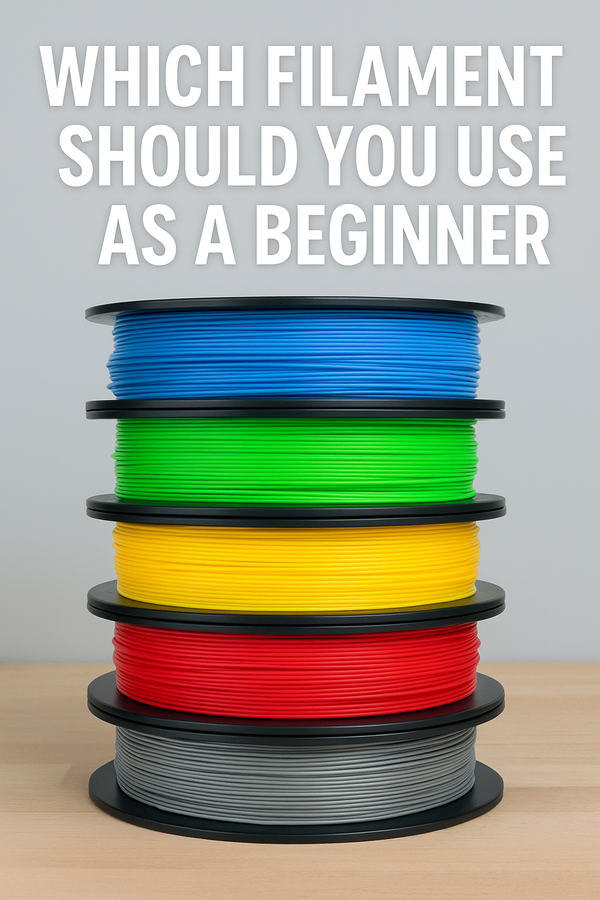
4. Use the Filament That Comes With the Printer
Your first print should use the sample filament in the box. Manufacturers test their printers with it, so you have the best chance of early success.
Most sample spools are PLA which is perfect for beginners.
5. Load the Test File
Every printer includes a test model such as:
• the famous Benchy boat
• a cube
• a mascot
• a logo tag
Load it from the included USB or SD card and start the print. This test is designed to:
• tune temperatures
• check the first layer
• verify extrusion
• confirm proper bed adhesion
If this prints well, you know the machine is ready for real projects.
6. Learn Your Printer’s Noises and Movements
While the test file prints, take a moment to observe.
Listen for:
• clicking
• scraping
• grinding
• wobbling
• inconsistent movement
A well functioning printer is smooth and rhythmic. Getting familiar with normal behaviour makes it easier to spot problems later.
7. Do Not Rush Into Large Prints
It is tempting to immediately attempt:
• helmets
• swords
• dragons
• giant figures
• full armor pieces
Start small. Learn how your printer behaves with easy models. Your success rate will be much higher and you will build confidence faster.
Great beginner prints include:
• cable clips
• bookmarks
• mini planters
• keychains
• test calibration pieces
• simple desk organizers
• basic toys or figurines
These teach real skills without burning through a whole spool.
8. Get Familiar With Your Slicer
Your slicer is the software that prepares models for your printer. Most printers use:
• Bambu Studio
• OrcaSlicer
• Cura
• PrusaSlicer
You only need to learn a few settings at first:
• layer height
• infill
• supports
• bed temperature
• nozzle temperature
• print speed
We will walk through these in the next posts of this beginner series.
9. Join a Community
3D printing has one of the most helpful communities on the internet. Join groups for:
• your printer model
• slicing tips
• troubleshooting
• inspiration
• free model recommendations
The more you connect, the faster you learn.
10. Celebrate Your First Print
Your first print will not be perfect and that is completely normal. Celebrate it anyway. Take a photo. Post it. Share the moment. Every maker starts here.
One day you will look back at that first little Benchy and smile at how far you have come.
Final Thoughts
Getting your first 3D printer is the start of a creative journey filled with learning, surprising wins, and the occasional spaghetti monster. If you take a little time to set things up correctly, you will save yourself many hours of frustration.
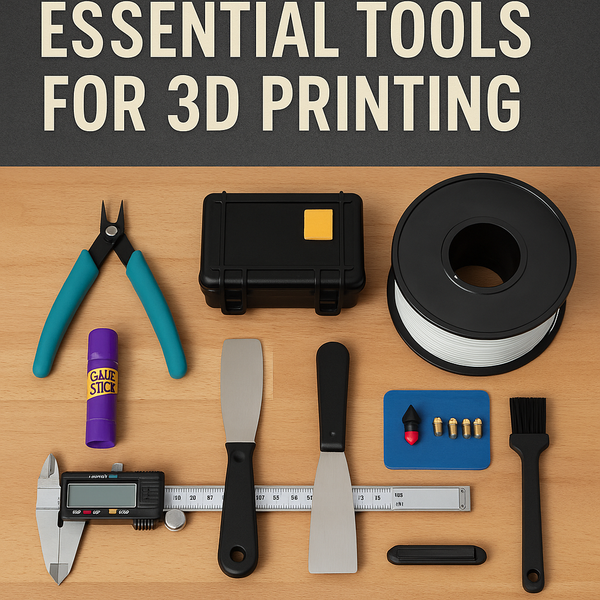
This is only the beginning. In the next posts we will help you pick tools, understand slicers, avoid beginner mistakes, and choose your first real projects.
Welcome to the world of 3D printing. You are in good company.
Want Fun Starter Prints Without the Guesswork?
All of this and more on our socials, check us out here:
👉 https://linktr.ee/NerdMatter3D
All made on the same machines new users receive for Christmas.